
Interactive experience
One touch.
The whole home responds.
Choose a scene on the KNX keypad below and watch lighting, blinds, climate control—heating and cooling—and security work together.
Enter the virtual homeScene control
Complexity, resolved
Four buttons replace dozens of individual decisions.
A traditional installation asks you to adjust every light, blind, thermostat and alarm separately. KNX allows one considered scene to coordinate them all.
The scenes below are examples. In a real project, every response is designed around the property, the time of day and the people who live there.
Virtual KNX home
Press a scene.
See the house respond.
Choose an environment, then press one of its four tailored scenes. Watch lighting, shading, climate, water and security respond together.
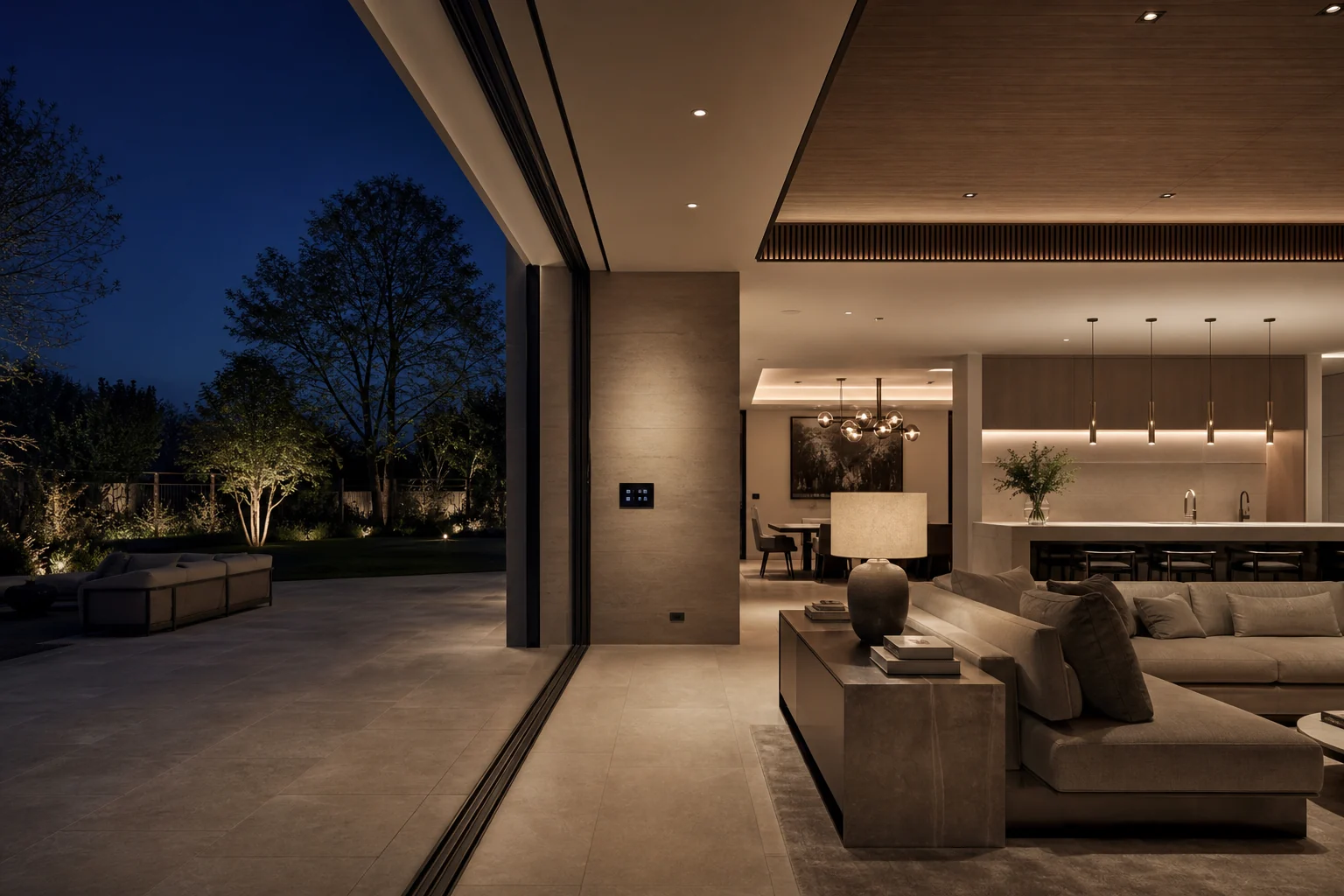
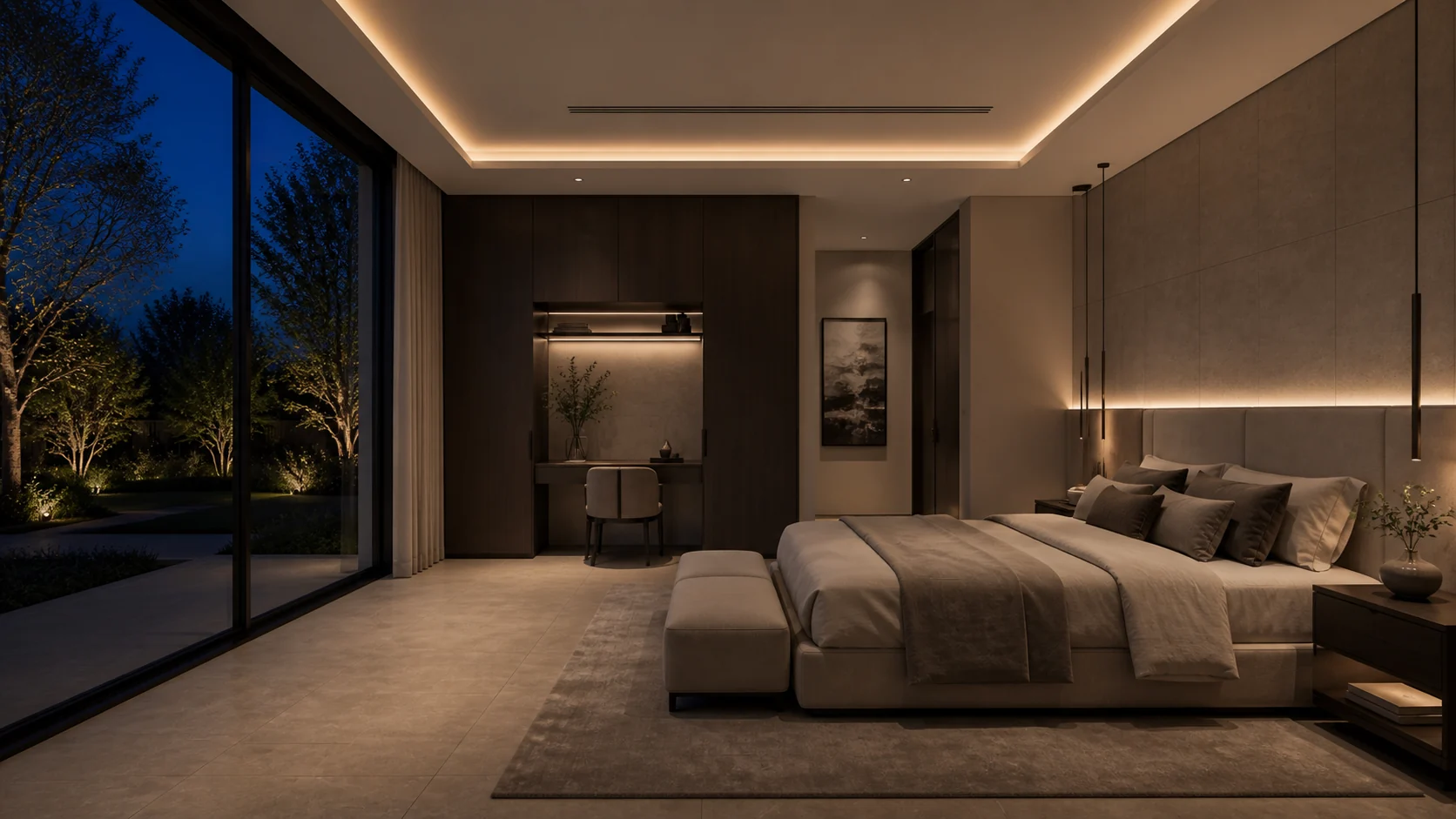
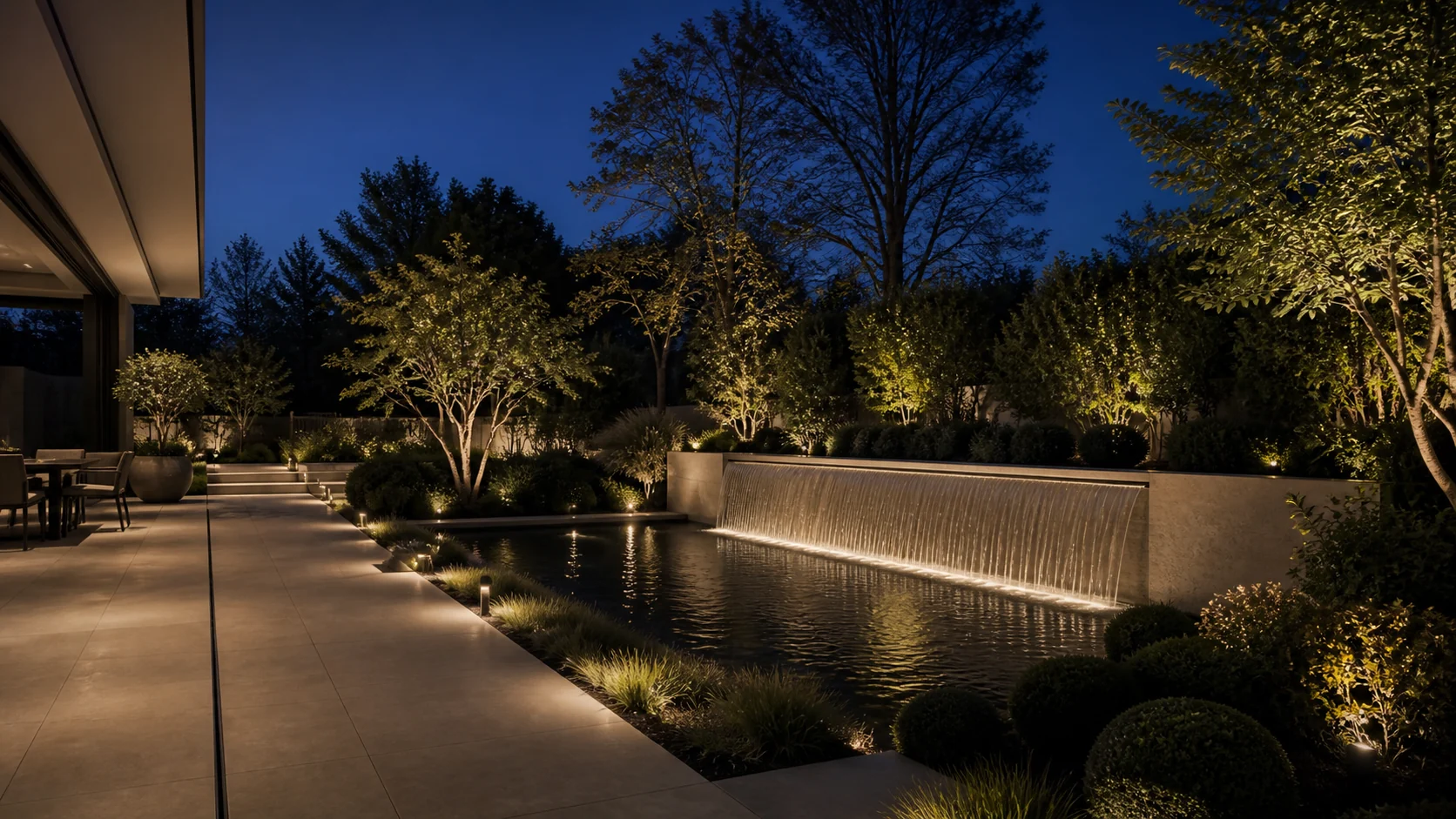
The entrance and living path illuminate, comfort returns to 21°C, blinds open and security disarms.
Behind the scene
One action, many systems
Every response can still be adjusted manually.
Automation should anticipate routine actions without taking control away. Each blind, lighting zone and temperature setting remains available whenever you want to change it.
We commission scenes with the client in the completed space, then refine timing, levels and behaviours until the technology feels instinctive.
Imagine this in your property
Your home. Your routines. Your scenes.
We can translate how you live into a KNX control strategy that is powerful behind the scenes and beautifully simple at the wall.